Our Story module — Complete guide
Everything you need to tell your church history: founding, doctrine, a multilingual narrative, and a timeline of milestones.
6 sections
On this page
1 Overview
The Our Story module lets your church share its history and identity: when and by whom it was founded, what it believes, the story of how it came to be, and the key milestones along the way. Everything can be written in several languages, and a visual timeline brings your journey to life.
Once filled in, your story appears on your public church page — a warm, welcoming way for visitors to get to know your community.
In short: fill in the founding details and doctrine → write your story (in one or more languages) → add milestones to build a timeline → it appears automatically on your public page.
2 Before you begin
- Where to find it: open your Dashboard and go to Our Story.
- Permissions: church owners, managers and editors can edit the story and its milestones.
- Languages: the narrative, doctrine and each milestone can be translated. Visitors see your story in their own language when a translation exists, and the default language otherwise.
- Nothing is shown until you fill it in: the public section appears only once you've added a story or at least one milestone.
3 Step 1 — History & doctrine
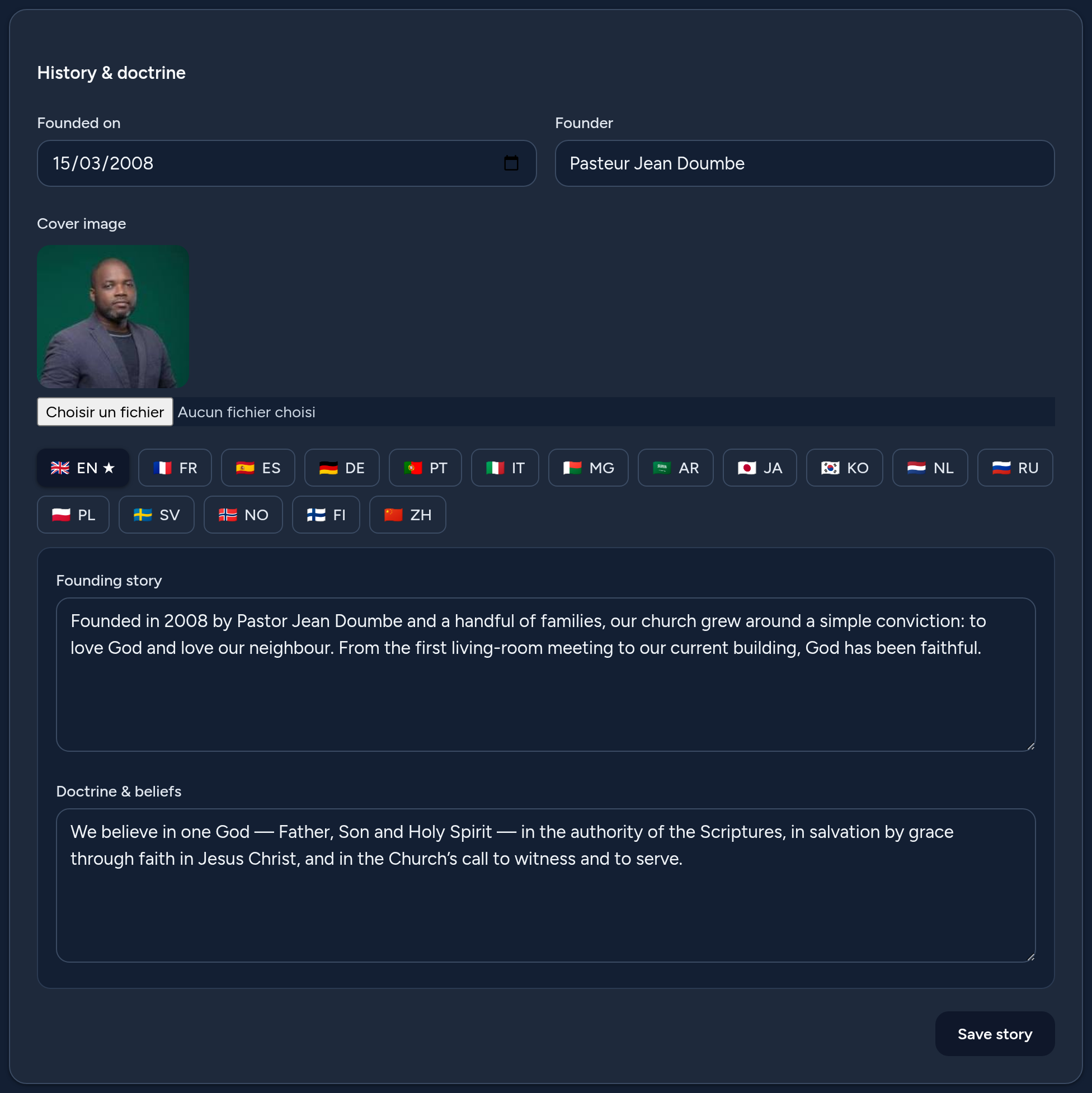
In the History & doctrine card, set the essentials of your church's identity:
- Founded on — the founding date (shown publicly as the founding year).
- Founder — the name of the founder or founding team.
- Cover image — a photo shown at the top of your public story.
- Founding story (per language) — the narrative of how your church began. Use the language tabs to translate it.
- Doctrine & beliefs (per language) — a short summary of what your church believes.
Click Save story when you're done. You can come back and refine it any time.
4 Step 2 — Build your timeline of milestones
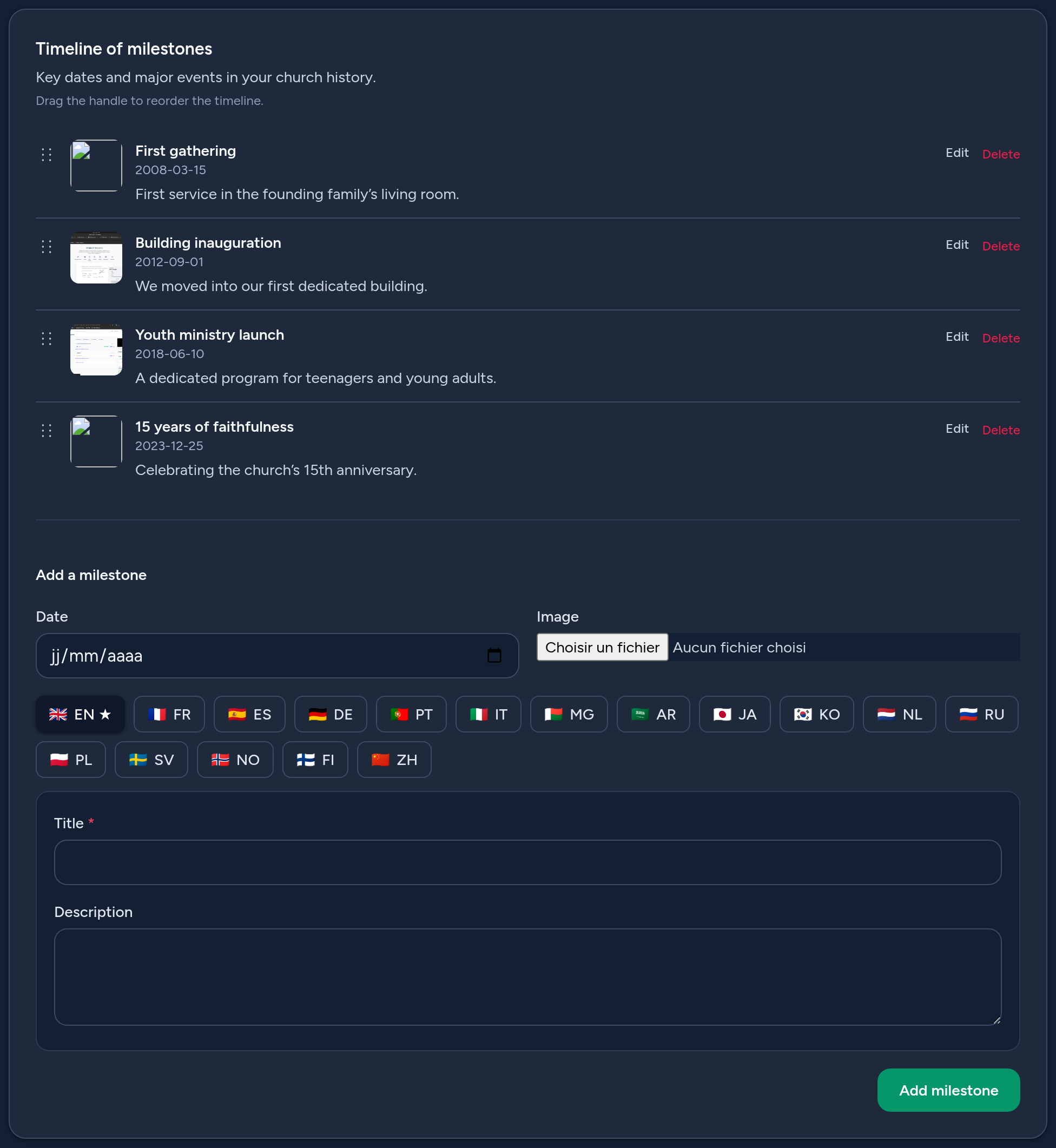
The Timeline of milestones turns your history into a visual journey. Each milestone has a date, an optional image, and a title and description per language.
- Add a milestone — fill in the date, an optional image, and the title (required in the default language) and description, then click Add milestone.
- Edit — click Edit on a milestone to change it in place, including its translations.
- Reorder — drag the handle to change the order of the timeline.
- Delete — remove a milestone you no longer need.
Milestones are a great way to highlight your founding, a new building, the launch of a ministry, or an anniversary.
5 Where your story appears
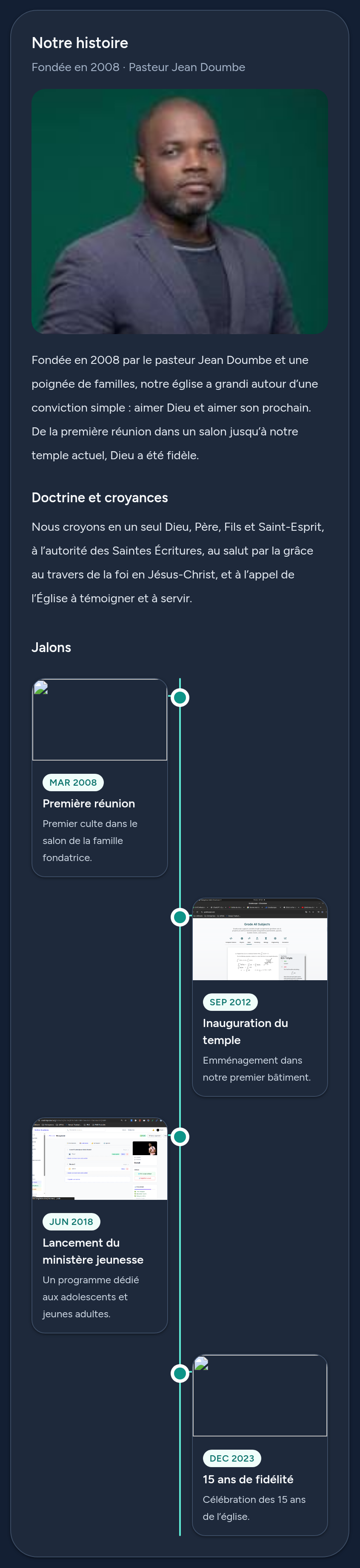
Your story is shown on your public church page, in the Our Story section: the founding year and founder, the cover image, your narrative, your doctrine, and the milestones timeline laid out as an elegant, alternating chronology.
Each visitor sees the content in their own language when you've provided a translation, and the default language otherwise.
6 Tips & good practices
- Tell a real story — a few honest paragraphs about your beginnings connect better than a list of facts.
- Add a cover image — a welcoming photo makes the section come alive.
- Keep doctrine concise — a short, clear summary is easier to read than a long statement.
- Use milestones for the highlights — founding, first building, new ministries, anniversaries.
- Add a date and image to each milestone so the timeline reads well.
- Translate the key parts so visitors discover your story in their own language.
That's it — you're ready to share your church's story with everyone who visits your page.